Portal Pembersih C19C19 Cleaner Portal
Portal pembersih C19: ambil kerja dari senarai kerja, lihat alamat dan peta, tanda senarai semak, tuntut Grab dan semak bayaran anda.The C19 cleaner portal: take jobs from the job list, see the address and map, tick your checklist, claim your Grab and check your pay.
Log masuk dengan nombor telefon dan PIN 6 digit anda.Log in with your mobile number and 6-digit PIN.
Apa yang anda boleh buat dalam portal pembersihWhat you can do in the cleaner portal
Kerja andaYour jobs
Tarikh, masa, alamat, peta, telefon pelanggan dan senarai semak. Tekan “Saya sudah selesai” di akhir kerja.Date, time, address, map, customer phone and checklist. Press “I’m finished” at the end.
Tuntut GrabClaim your Grab
Masukkan tambang pergi dan balik, muat naik tangkapan skrin resit.Enter the fares there and back, and upload the receipt screenshots.
Bayaran sayaMy pay
Lihat apa yang akan dibayar dan apa yang sudah dibayar.See what’s due and what’s been paid.
Syarikat: pekerjaCompanies: workers
Senaraikan pekerja anda dan pilih siapa yang pergi ke setiap kerja.List your workers and choose who goes to each job.
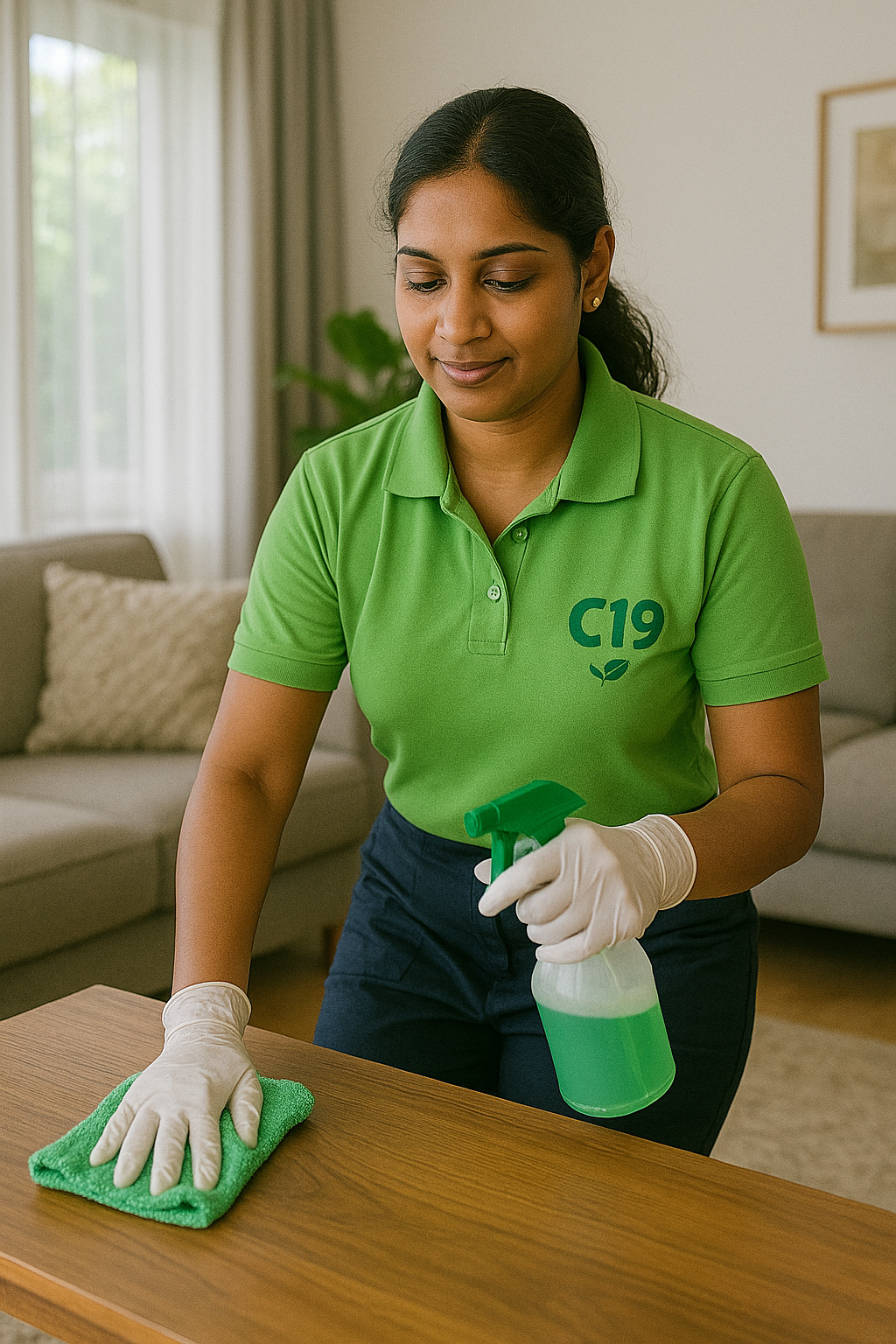
Portal pembersih untuk pembersih dan syarikat rakanA cleaner portal for cleaners and partner companies
Portal pembersih C19 dibuat untuk telefon. Tiada aplikasi untuk dimuat turun: buka pautan, log masuk sekali dengan telefon dan PIN, dan anda kekal log masuk.The C19 cleaner portal is made for phones. There’s no app to download: open the link, log in once with your phone and PIN, and you stay logged in.
Kerja baharu di kawasan anda muncul dalam Senarai kerja dengan kawasan, tarikh, jam, kekerapan dan bayaran. Alamat dan nama pelanggan ditunjukkan selepas anda mengambil kerja, untuk melindungi privasi pelanggan.New jobs in your areas appear on the Job list with the area, date, hours, frequency and pay. The address and customer name are shown after you take the job, to protect the customer’s privacy.
Selepas kerja, tekan “Saya sudah selesai”, tuntut Grab dengan resit, dan lihat bayaran anda dalam “Bayaran saya”. Belum mendaftar? Mohon kerja pembersih atau daftar syarikat anda.After the job, press “I’m finished”, claim your Grab with receipts, and see your pay under “My pay”. Not registered yet? Apply for cleaner jobs or register your company.
Letak portal di skrin telefon andaPut the portal on your phone
Ia dibuka seperti aplikasi.It opens like an app.
📱 iPhone (Safari)
Anda kekal log masuk pada telefon anda.You stay logged in on your phone.
Soalan lazim portal pembersihCleaner portal questions
Bagaimana log masuk ke portal pembersih?How do I log in to the cleaner portal?
Buka portal pembersih dan masukkan nombor telefon bimbit serta PIN 6 digit yang anda pilih semasa mendaftar.Open the cleaner portal and enter your mobile number and the 6-digit PIN you chose when you signed up.
Lupa PIN?Forgot your PIN?
WhatsApp pejabat: kami beri PIN sementara, kemudian anda pilih PIN baharu.WhatsApp the office: we give you a temporary PIN, then you choose a new one.
“Permohonan masih disemak”“Still being checked”
Akaun anda belum diluluskan. Kami akan WhatsApp anda.Your account isn’t approved yet. We’ll WhatsApp you.
Bagaimana mengambil kerja dalam portal pembersih?How do I take a job in the cleaner portal?
Buka tab Senarai kerja. Kerja di kawasan anda ditunjukkan dengan tarikh, jam dan bayaran. Tekan “Saya ambil kerja ini”: orang pertama mendapatnya.Open the Job list tab. Jobs in your areas show the date, hours and pay. Tap “I’ll take this job”: the first person gets it.
Tidak dapat pergi ke kerja?Can’t make it to a job?
Pulangkan kerja dalam portal sehingga 24 jam sebelumnya. Kurang daripada 24 jam, WhatsApp pejabat.Give the job back in the portal up to 24 hours before. Less than 24 hours, WhatsApp the office.